Frequently asked questions
1. Why can't I see any products in the shop?
Our store is currently reserved for our customers.
If you are a customer of ours and have not yet received an access email, or if you would like to become a customer, please do not hesitate to contact us.
Registration
2. How do I create a customer account?
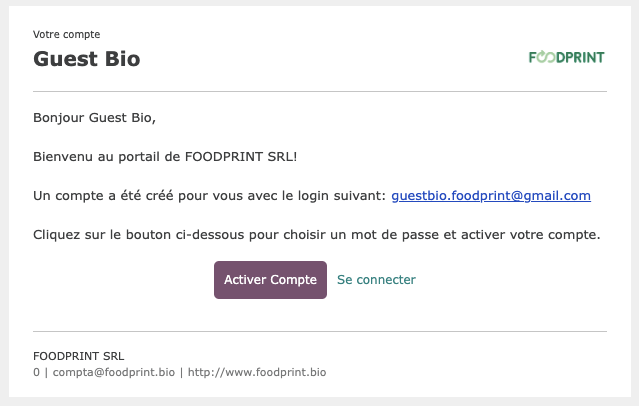
We will send you an email with a link to our website. (Please note that this email may also end up in your spam folder.) Using this link, you can create your personal customer account, which you can use to log in to our online store.
Here you will find a video with the registration instructions.
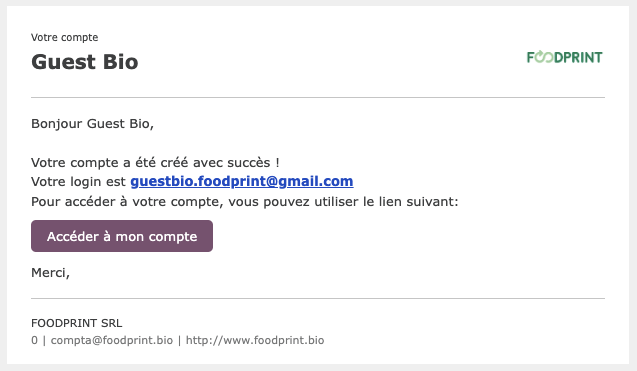
Once registered, you will receive a confirmation email with a link that you can always use to access your profile. Of course, you can always log in directly via our website.
Please note: do not use the link you used to create your profile to access it again after creation, otherwise your access will be blocked.
Order
3. How do I enter an order?
Log in to the shop via https://www.foodprint.bio/web/login
Add all the items you wish to order to your shopping cart. After confirming your shopping cart, you can check and change your billing and delivery address and provide us with important information about your order and delivery, such as a personal order reference, a request for return shipping, or closing days and delivery times.
After confirming your shopping cart, you will receive an email confirmation including the order form, and we will process your order.
Please note that for returnable products, we add the deposit when invoicing.
4. How does payment work?
You will receive an invoice after your order has been delivered.
Please do not pay in advance, as the final amount may still vary:
There may be additional delivery charges, or certain products may be temporarily out of stock.
5. How does the wish list work?
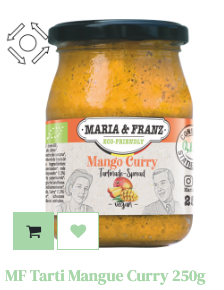
You can add products to your wish list by simply clicking on the little heart on each product page.
The selected items will be saved to your wish list, which you can access at any time via the icon next to your shopping cart.
You can also transfer your entire wish list to your cart with a single click.
This allows you to easily plan your orders in the wish list and finalize the purchase as soon as you have reached the minimum order quantity.
6. Can I save my favorite products so I can find them easily?
Yes, you can save products that you order regularly to your wish list.
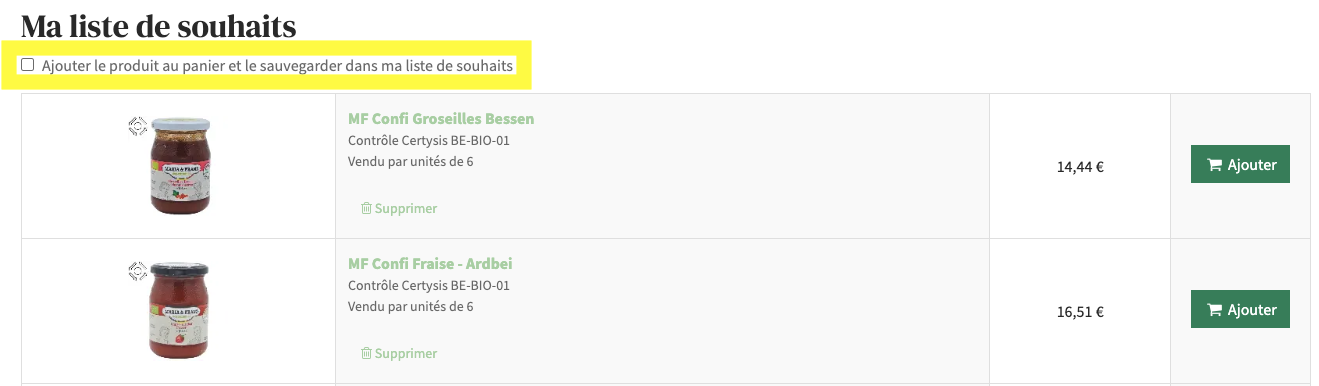
To do this, start by adding the desired products to your wish list by clicking on the heart symbol.
Next, select the corresponding option in your wish list before adding the items to your cart. Once saved correctly, these products remain available in your wish list and can be easily added to your cart during future orders.
If this option is not selected, products will automatically disappear from your wish list after being added to the cart.
Please note that this option must be selected for each new order.
Other question
7. Where can I find my documents?
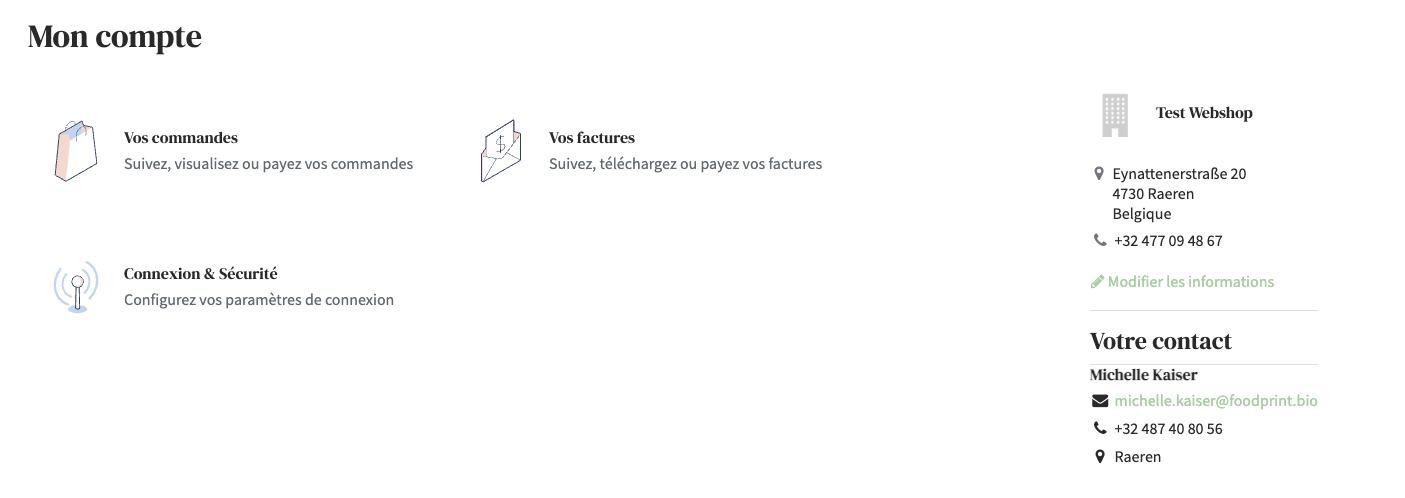
Once you have registered, you will find yourself on your personal profile
Here you can view your current orders and orders that have already been delivered, as well as all invoices relating to orders you have already placed.
8. What can I do if I have forgotten my password?
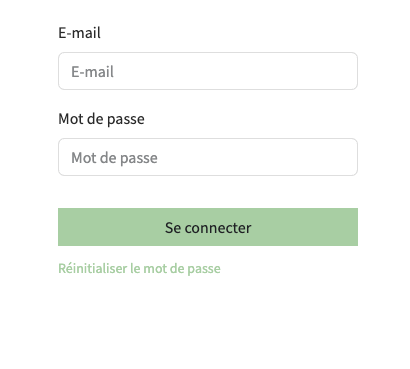
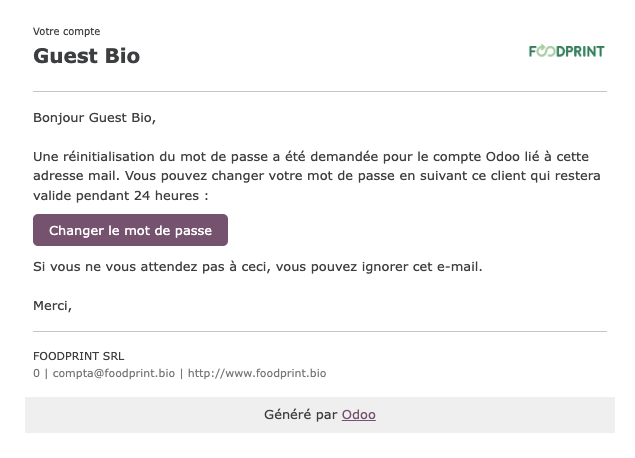
When registering, click on “Reset password.” You will then be asked to enter the email address associated with your account, and you will receive an email containing a link to change your password.